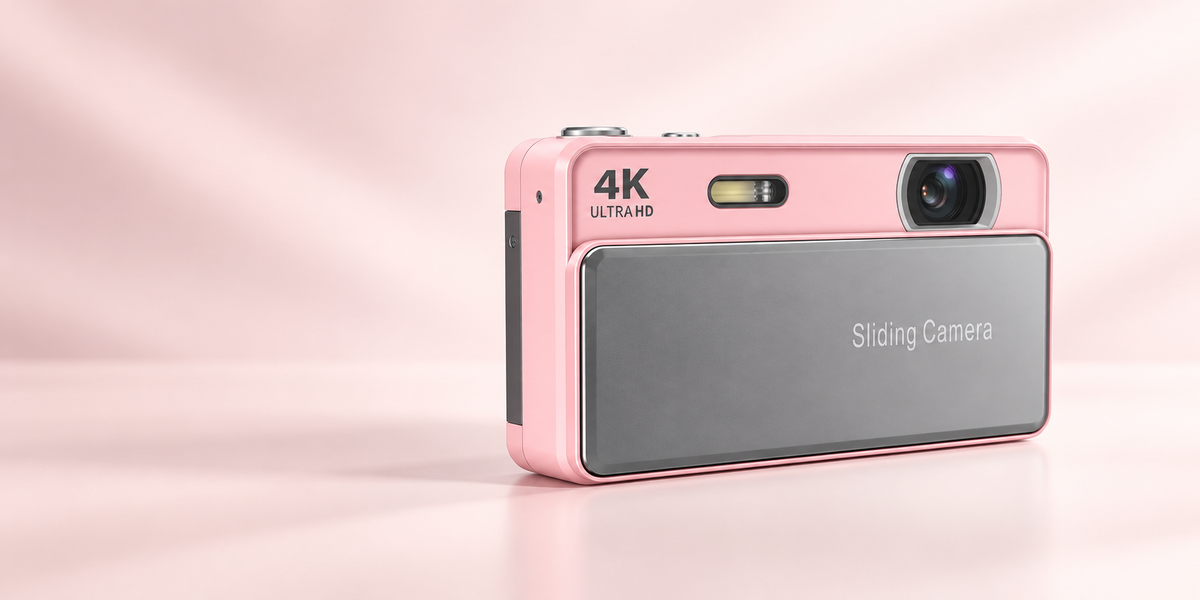






retrovacam™ - Sliding Digital Camera


Choose options
Resolution: 20MP+
Max resolution: 7360 × 4912
Optical zoom: 16×
Screen: 2.8" HD LCD
Stabilisation: Electronic
Storage: TF card
Charging: USB 2.0
Weight: 98g
Dimensions: 95 × 55 × 25mm
Every order will include...1x Digipop Sliding Camera
1x USB-C Charging Cable
1x Battery
1x Instructions Manual
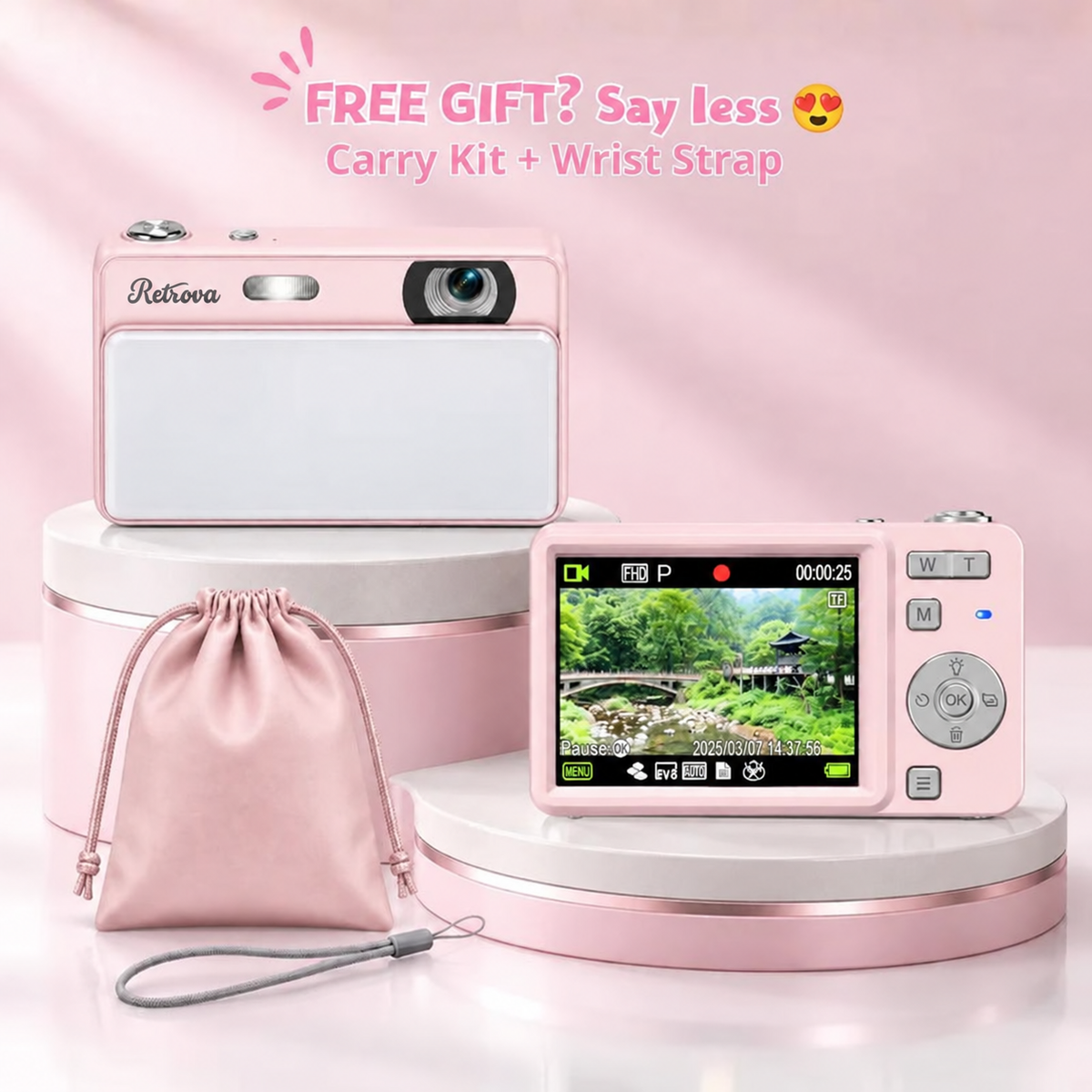
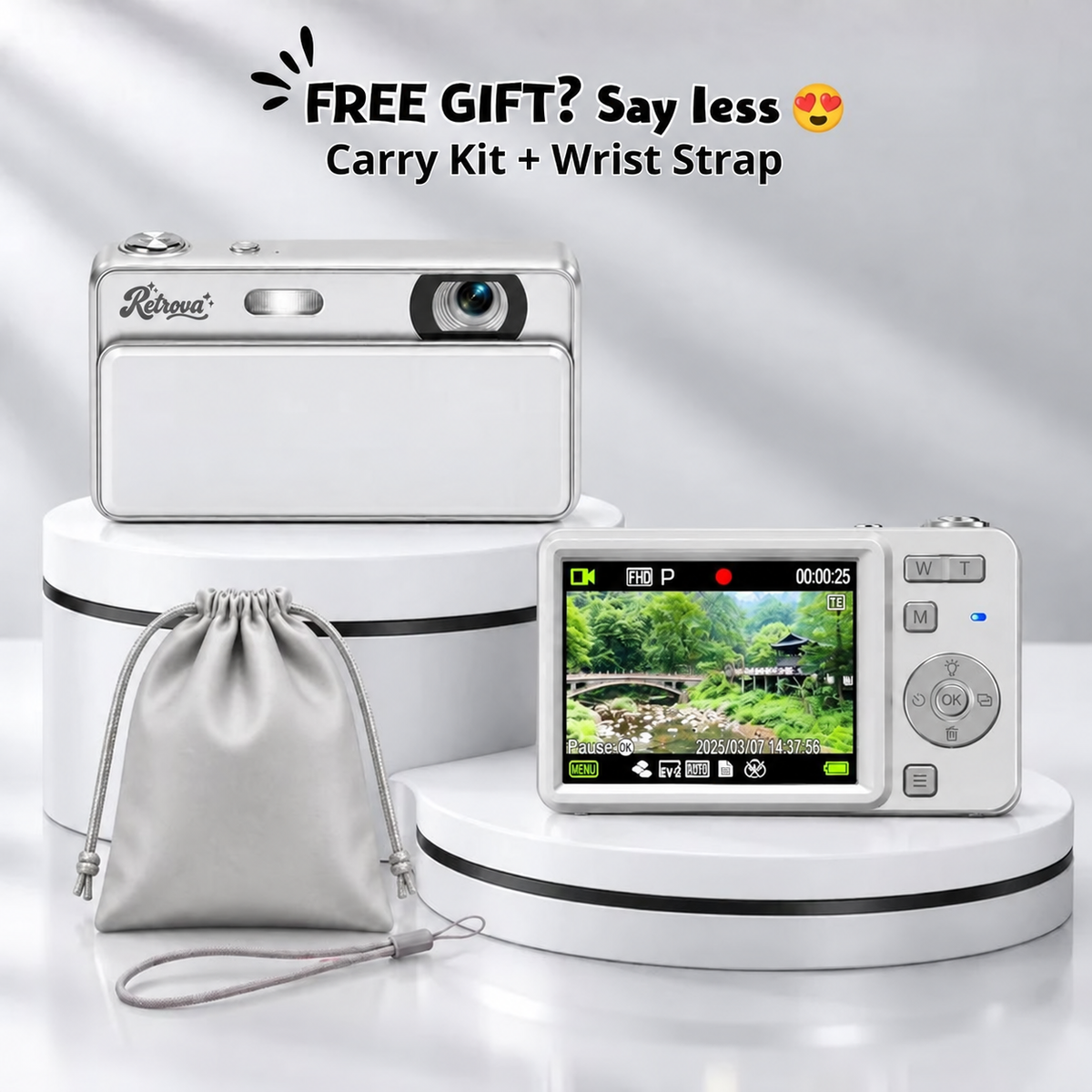
1x Wrist Strap
1x Travel Soft Case
Order Processing
Takes 1 to 2 business days to process and ship an order out.
Free Standard Shipping
Delivered within 7 to 10 business days after dispatch.
Express Shipping
Need it faster?
Express shipping is available at checkout for an additional fee, with delivery in 5 to 8 business days after dispatch.
As soon as your order is shipped, we will email you a tracking number.
If you have any questions about your order, reach out to us at the contact formular and we'll get back to you personally.
30 Day Money Back Guarantee
Not happy with your order? You have 30 days from delivery to reach out and we'll make it right.
Damaged or Faulty Orders
If your order arrives damaged or faulty, contact us within 30 days and we'll send a replacement at no cost to you.
Returns and Refunds
Returns and refunds are accepted. All cases may vary so depending on each situation, so reach out to our support team and we'll work together to find the best outcome for you.
Contact Us
Contact us with your order details. We read every message personally.
here's what you're getting 👇

16× Digital Zoom
Get closer without missing the moment.
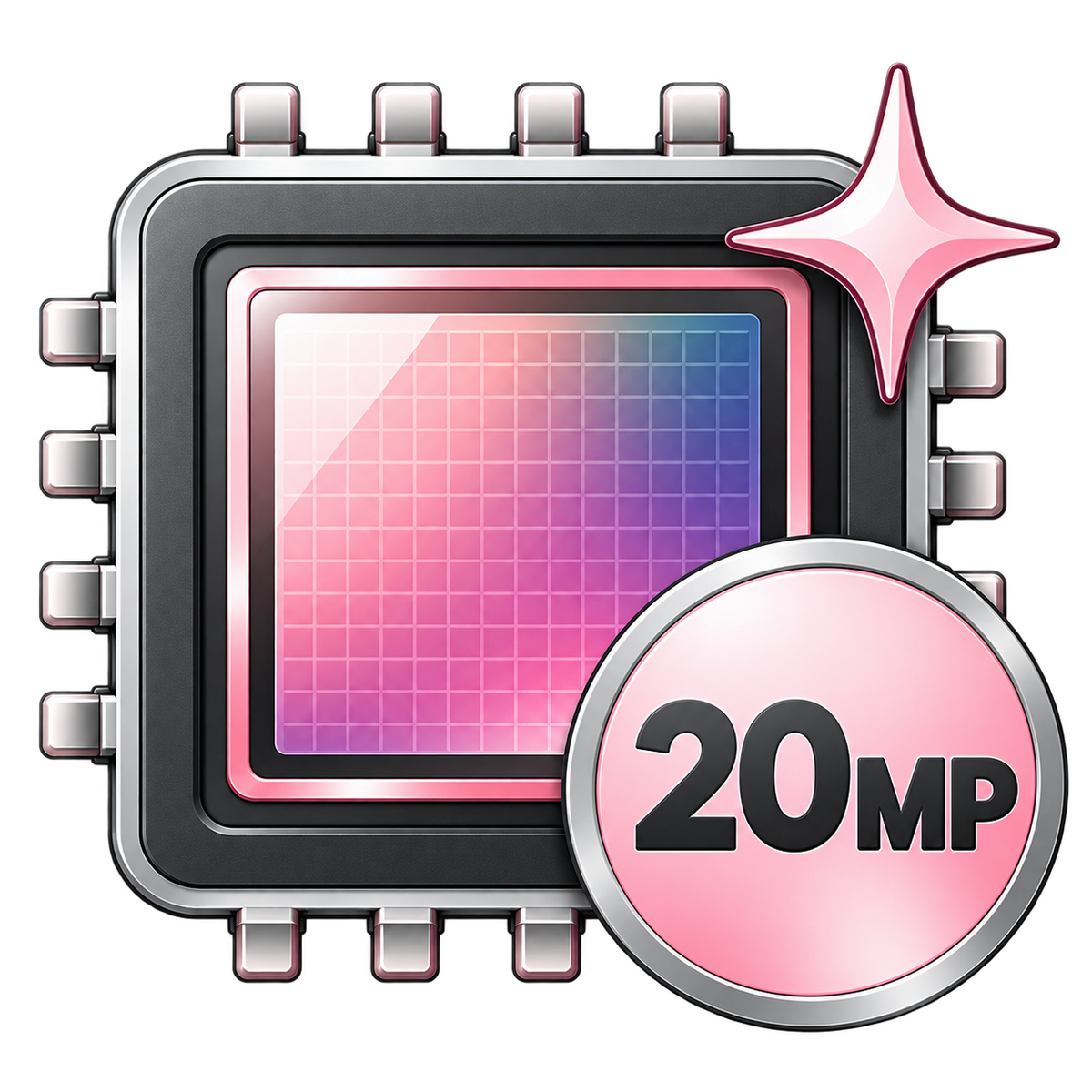
20MP Crisp Sensor
Sharp, detailed photos with that nostalgic digicam feel.

20 Unique Effects
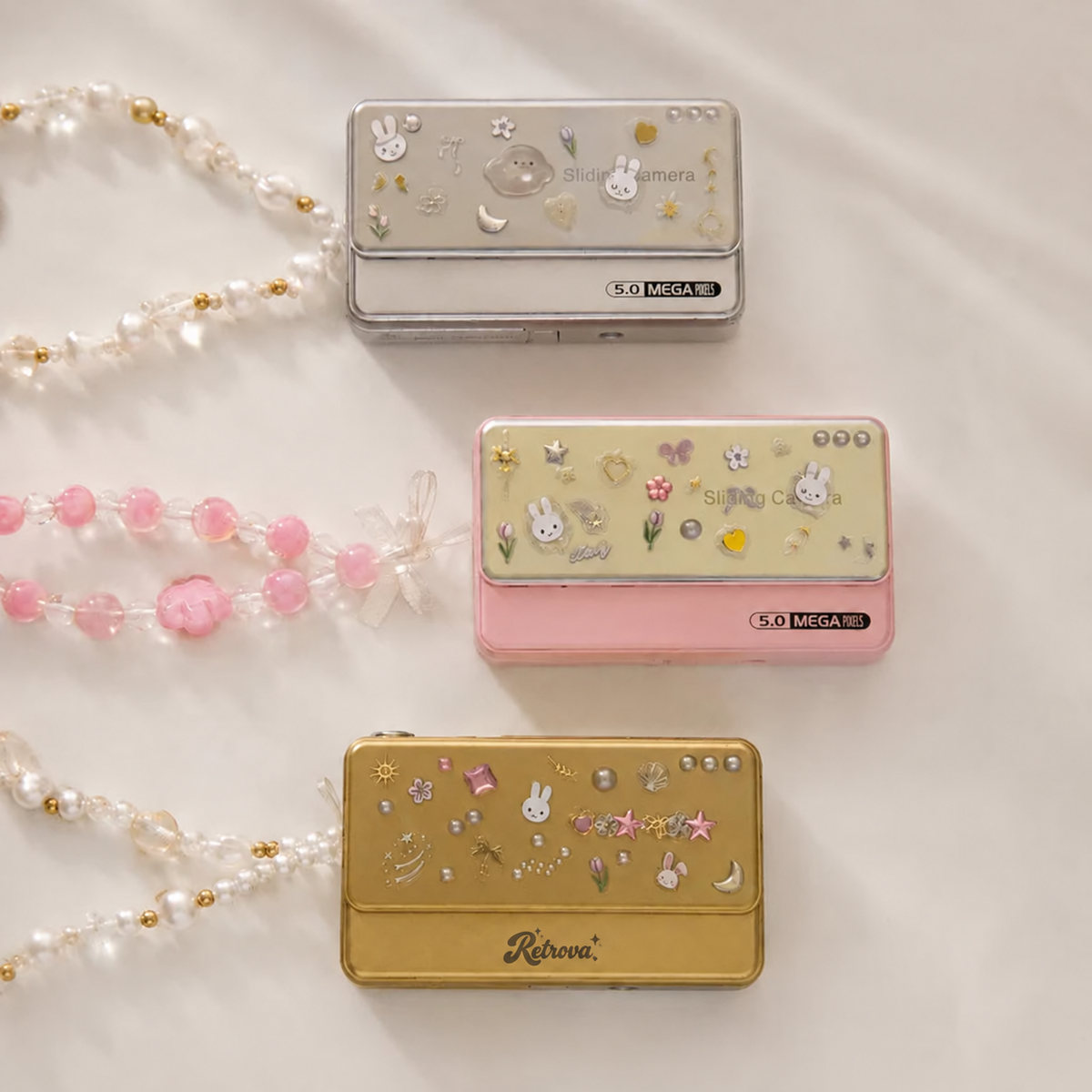
Create your own look with built-in aesthetic effects and multiple color options.
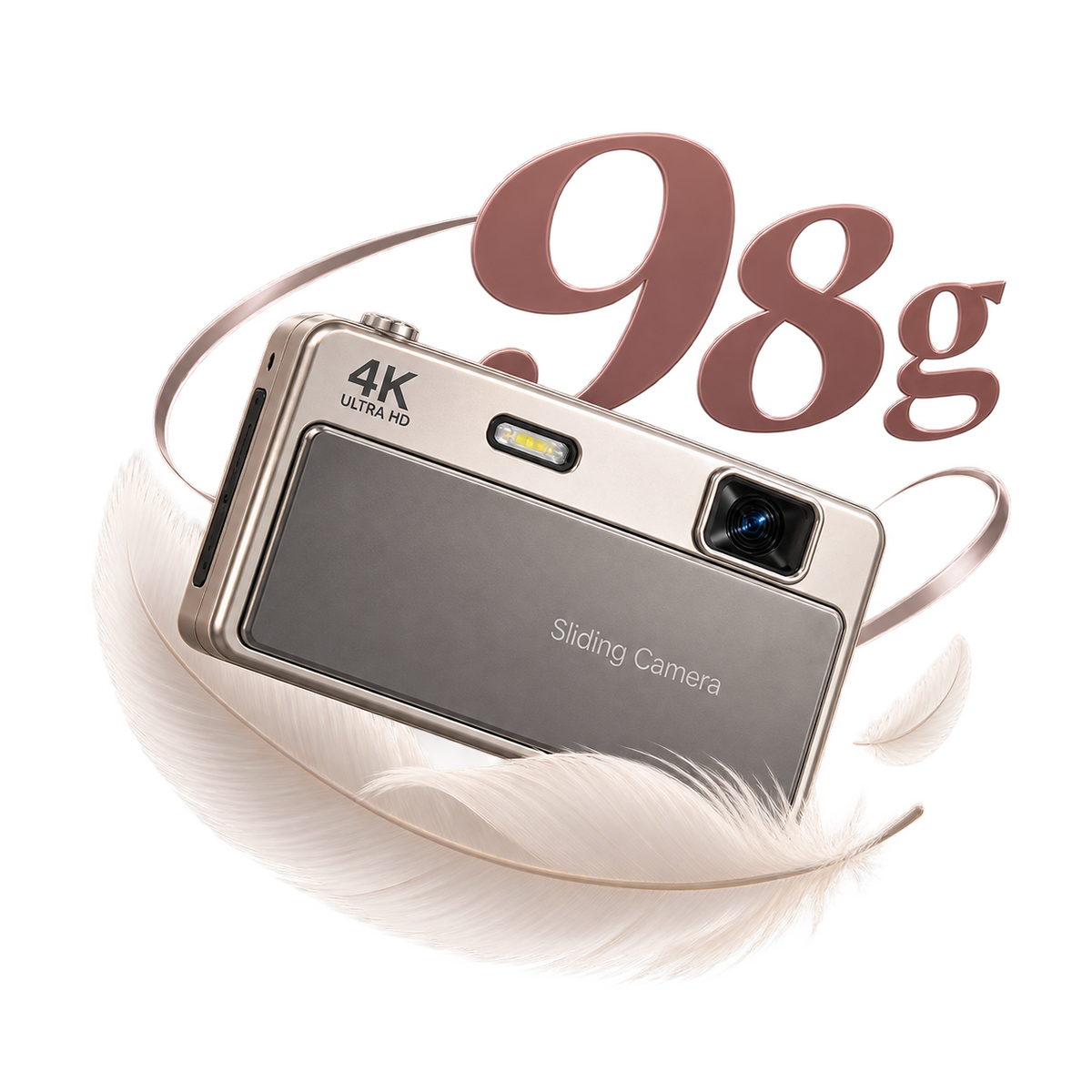
98g Feather-Light
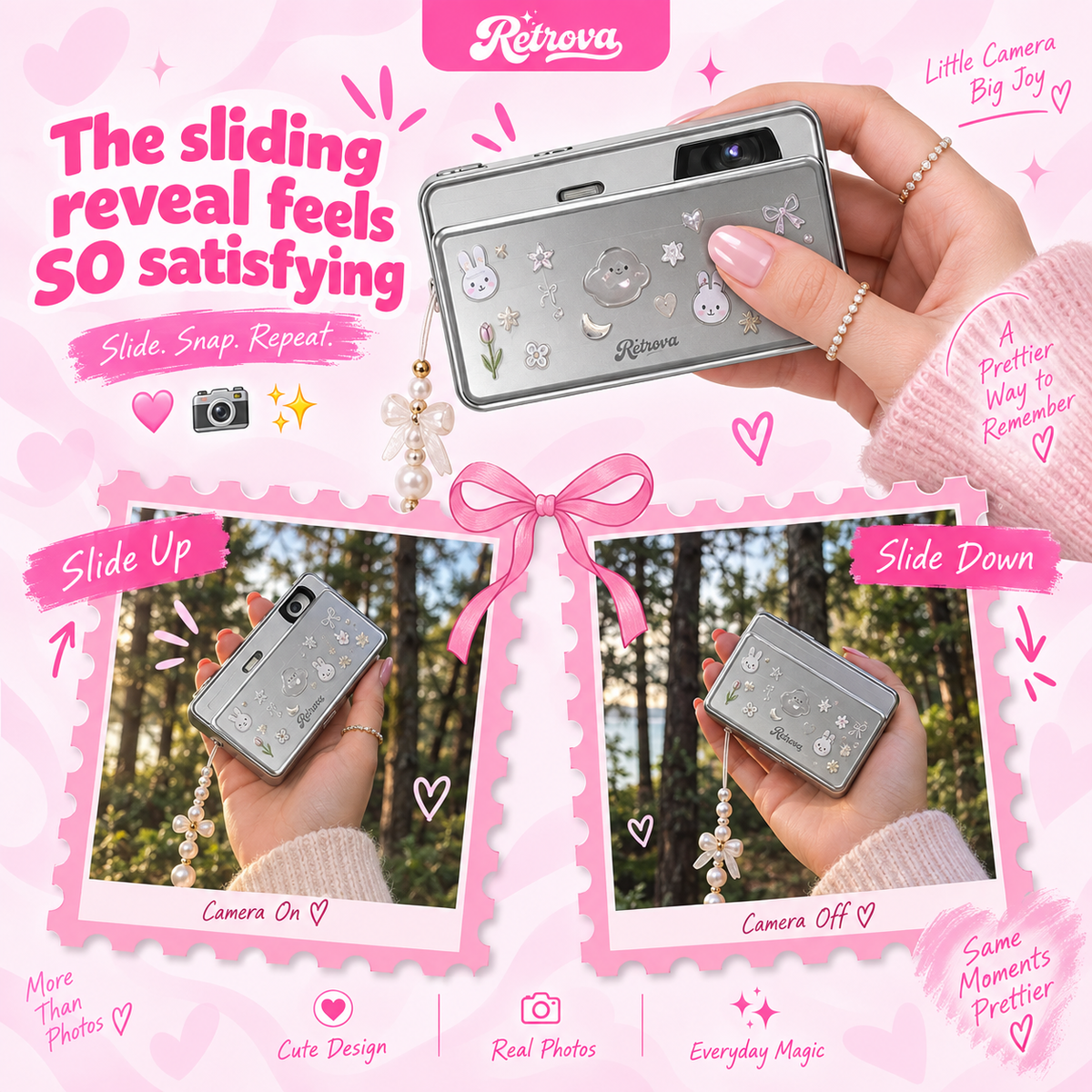
Pocket-sized, lightweight and finished with that satisfying sliding mechanism.
FAQ
FREQUENTLY ASKED QUESTIONS
Both. RetrovaCam is made to capture clear, detailed photos while keeping that nostalgic Y2K digicam character. With up to 64MP photo resolution, autofocus and 16× digital zoom, you get more than just the aesthetic — you get everyday photos with real detail and personality.
RetrovaCam charges conveniently via USB, so you can recharge it with a power adapter, power bank, or laptop. Battery life varies depending on how often you use the flash, screen, zoom, and video mode, but it’s designed to comfortably cover everyday outings and nights out between charges.
RetrovaCam uses a microSD/TF memory card, and a 32GB card is included, so you can start shooting straight out of the box. Just insert the card, power on the camera, and you’re ready to capture photos and videos.
Yes. All cameras are sold brand new and unused. Each camera is inspected and carefully packaged before shipping so it arrives ready to use.
Simply remove the microSD card and use a compatible card reader to transfer your photos and videos to your phone, tablet, or computer. You can also connect the camera to a computer via USB where supported. No special app or cloud account is required.
Battery Installation & Removal 🔋
A quick step-by-step guide to installing and removing your battery so your DigiPop is charged and ready to go.
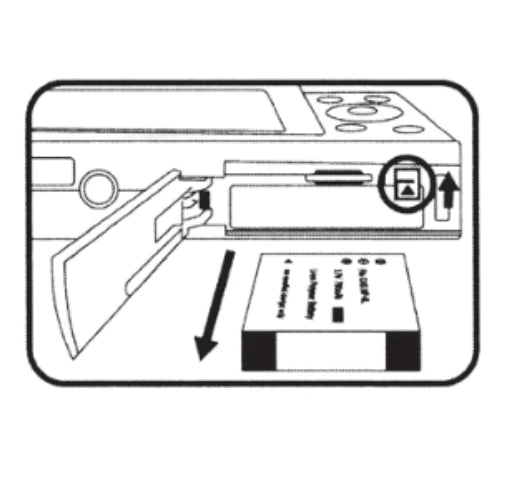
Step 1
Slide open the battery cover in the direction of the arrow on the base.
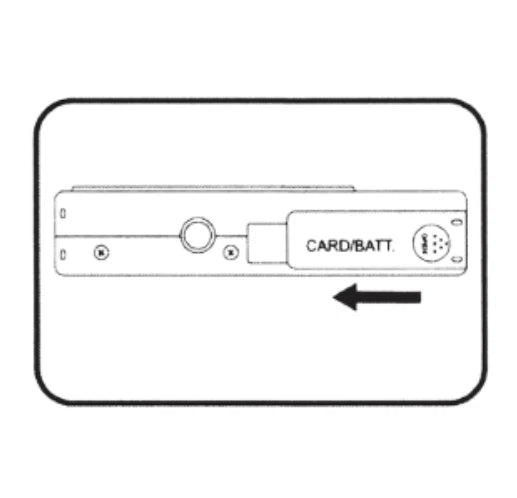
Step 2
Insert the battery contact end first, facing the screen until you feel it click into place.
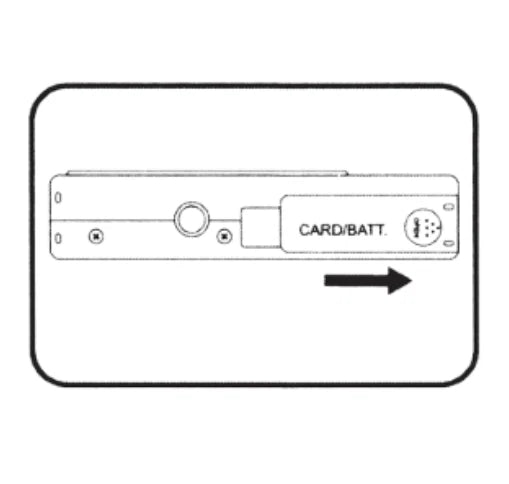
step 3
Slide the battery cover closed to complete installation.
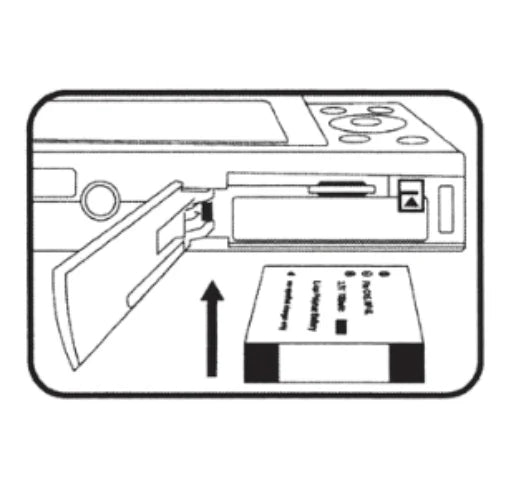
step 4
To remove, open the cover and press the battery latch inward until the battery releases.
Try Us Risk Free ♥️
Every Retrovacam order is backed by a 30 day money back guarantee, starting from the date your order arrives. If anything isn't right, reach out within that window and we'll make it right, no questions asked.